

#333 · of 1.6K · by community score
DetectGPT
Identify AI-written text while browsing the web
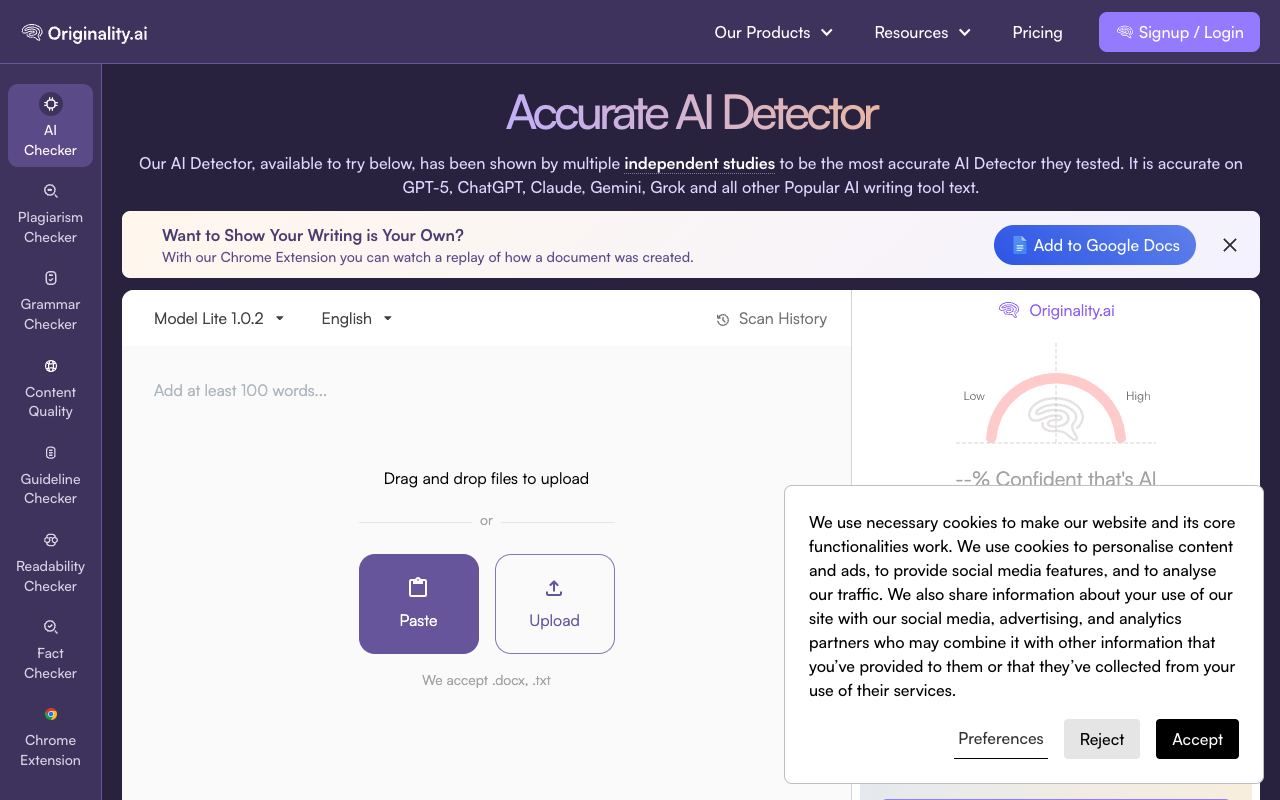
DetectGPT helps you identify whether text was written by artificial intelligence or a human while reading across the web. When you encounter suspicious writing, simply right-click and select the scan option, or paste content directly into the extension for instant analysis. The tool recognizes outputs from ChatGPT, GPT-3, GPT-2, and various other language models.
Highlights
- Scan text with a single right-click or manual paste
- Detects ChatGPT, GPT-3, GPT-2, and other AI language models
- No signup or API key required
- Achieves up to 94% accuracy on certain model outputs
- Automatic full-page scanning to analyze entire websites
The extension runs entirely in your browser, making it quick and private. It serves educators checking for AI-assisted homework, journalists verifying source authenticity, content creators protecting their work's integrity, and researchers studying AI outputs. Free to install and use with no account needed.


Comments(0)
Sign in to comment