

#279 · of 1.6K · by community score
Checkget
Browser extension bringing ChatGPT to any website instantly
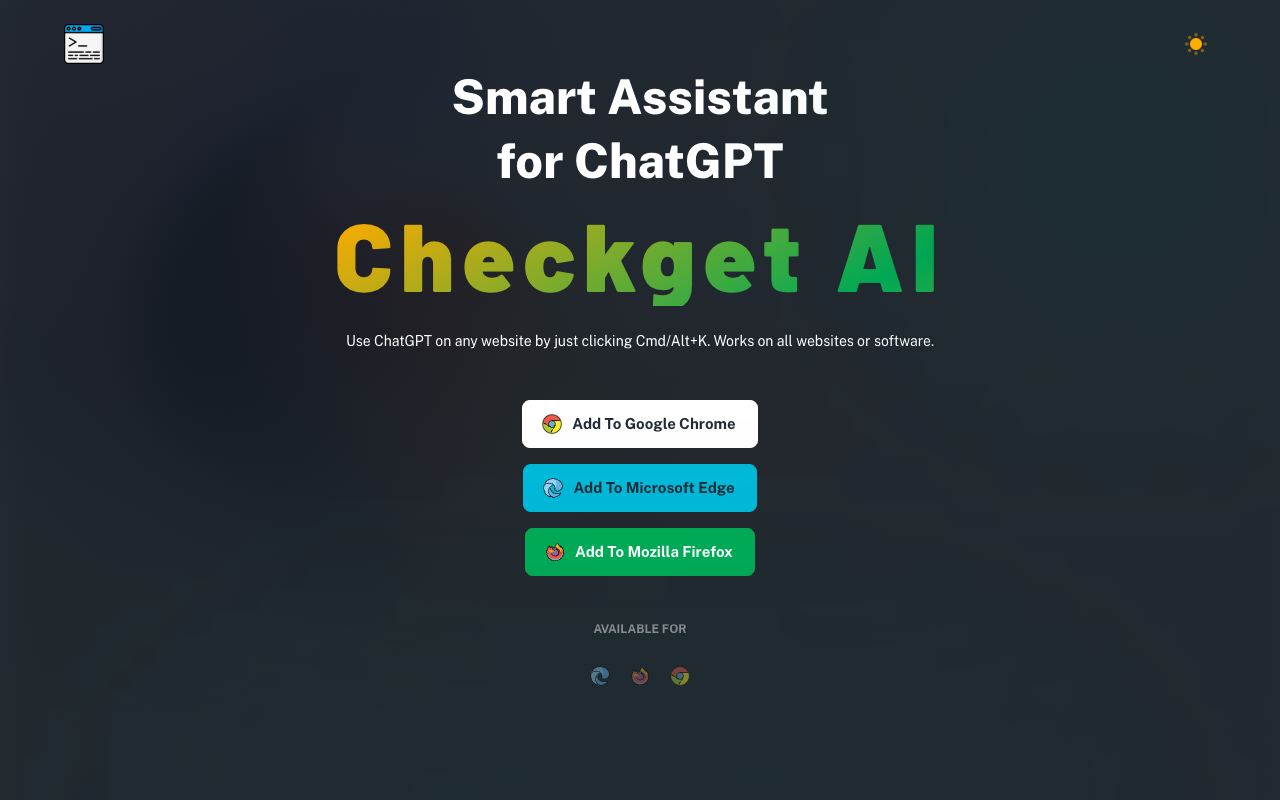
Checkget eliminates the workflow friction of copy-pasting text into ChatGPT by embedding the AI assistant directly into your browser. A single keyboard shortcut—Cmd+K on Mac, Alt+K on Windows—opens the interface and provides context-aware suggestions.
Highlights
- Universal access: works on any website or software
- Context detection: automatically recognizes emails, code, and documents
- Multiple operations: summarize, translate, rewrite, adjust tone, expand or condense content
- GPT-4 availability: free tier uses GPT-3.5; paid plans unlock GPT-4 for higher quality
- Four pricing tiers: from 30 daily requests (free) to 1,500 (ultimate plan)
The extension is built for anyone who writes or reads content online—whether you're a professional refining business communication, a developer seeking code feedback, or a student editing essays. Free users get a taste of the functionality, while paying subscribers unlock the full power of GPT-4 and higher request limits.


Comments(0)
Sign in to comment