

SpriteFrame
Animates a character image into a game-ready sprite sheet
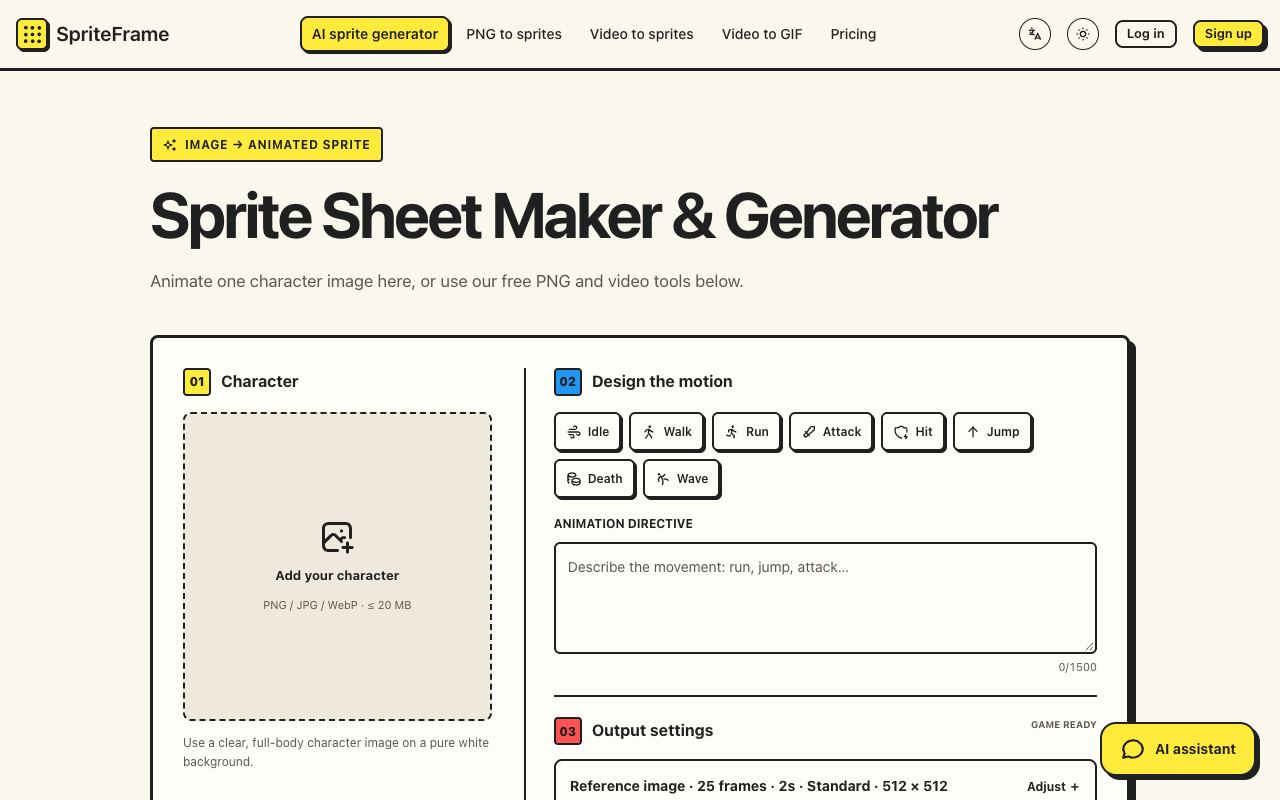
SpriteFrame is aimed at indie game developers and pixel artists who need animation frames without drawing each pose. The AI mode generates a short video from one character image, extracts the number of frames you choose and cuts out the background. The manual modes work on frames you already have.
Highlights
- Motion presets for idle, walk, run, attack, hit, jump, death and wave, or a written direction of up to 1,500 characters
- 16, 25, 49 or 64 frames, durations from 1 to 5 seconds and frame sizes from 128 to 768 pixels
- A frame editor for removing poses, edge correction for leftover background color and suggested loop ranges
- PNG-to-sheet and MP4-to-sheet tools that run in the browser and handle up to 120 frames at a time
- Export as a PNG sprite sheet, numbered PNG frames with JSON timing, a ZIP or a GIF preview
- Setup guides for Godot and Unity
Good to know
- AI results can need manual cleanup, and the export does not include game engine project files
- Free accounts get 30 credits, enough for one AI sprite sheet; Basic is $12 a month for 3,500 credits and Pro is $29 a month for 9,000
- Credit packs start at $9 for 1,800 credits and do not expire
Useful for prototyping character animation. The browser tools stay free for anyone who already has frames.



Comments(0)
Sign in to comment